
Choose two photos for a face swap
Upload your face photo first, then the target photo you want to edit with Face Swap.
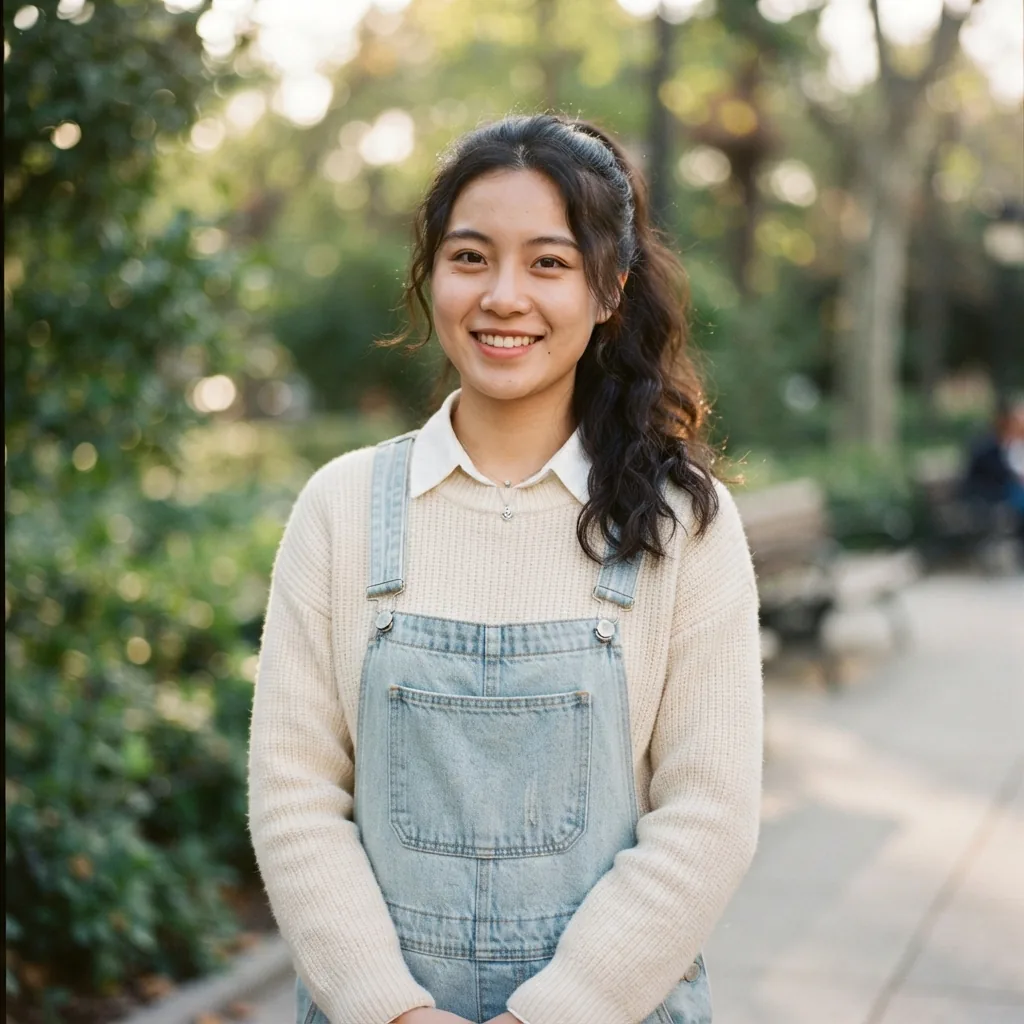
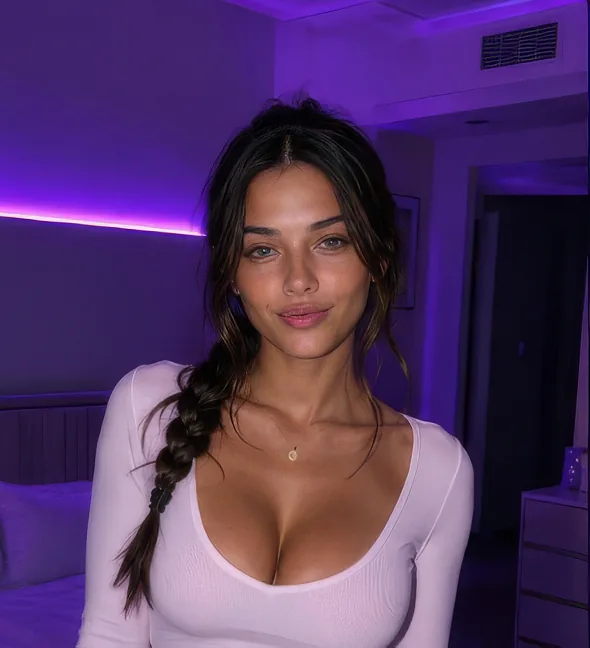
AI face swap for photos
Face swap online with two photos: upload your face photo first, then a target photo. Create an AI face swap while keeping the target scene, pose, clothing, and lighting.
Your face photo + Target photo
Source photos deleted daily · Results saved to history

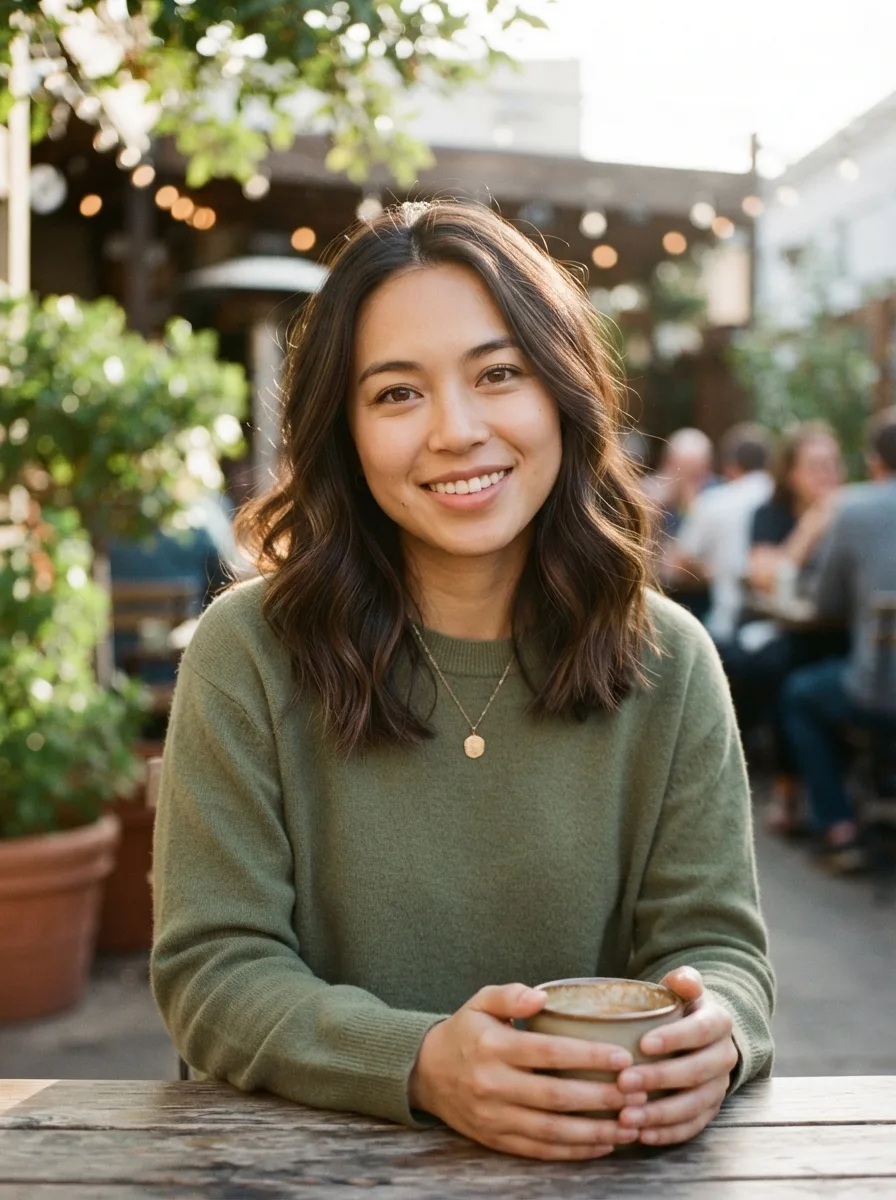 BeforeAfter
How to use the tool online
Upload your face photo first, then the target photo you want to edit with Face Swap.
The AI face swap places your face into the target while preserving its scene and lighting.
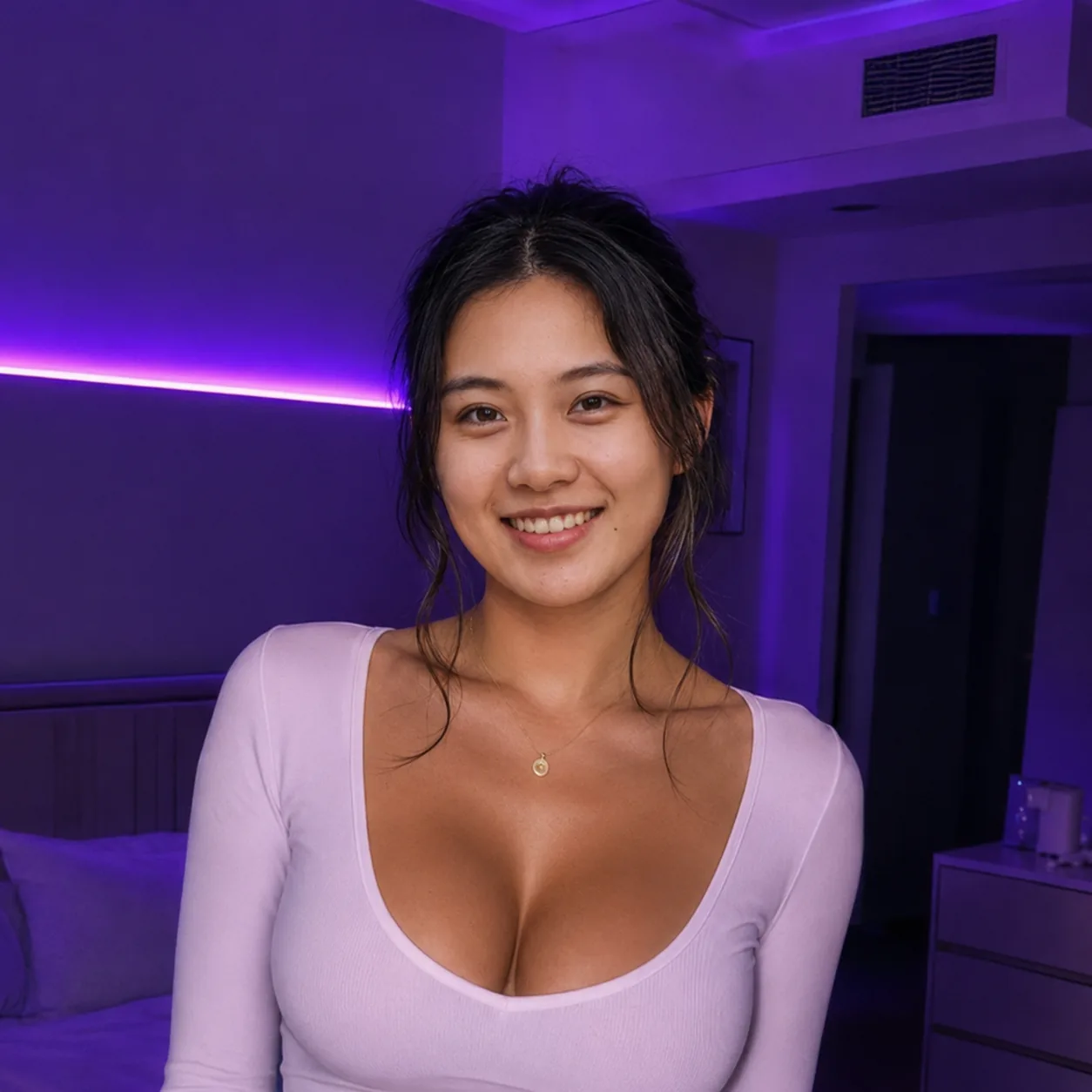
Check the face swap result, then download it or create another version.
The target photo provides the composition, pose, clothing, and background for the result.
Each generation costs 5 credits and the result is added to your account history.
Source photos are used for processing and kept separate from your generated history.
03 / GUIDE
An AI Face Swap replaces the face in a target photo with the face from a source photo while keeping the target scene recognizable. The pose, clothing, background, and framing stay anchored to the target instead of being rebuilt from scratch.
This photo Face Swap tool uses two images: a clear face photo and a target photo. Compatible lighting, angle, and image quality usually matter more than writing a long prompt.
04 / WORKFLOW
Upload the face photo you have permission to use, then upload the target photo whose scene, pose, clothing, and background you want to keep. Clear eyes, an even expression, and enough detail make a stronger reference.
Select Generate AI Face Swap when both images are ready. Each generation uses 5 credits and requires sign-in. Review the result, download it, or change one photo before trying again; manual masks and landmark alignment are not required.
Upload one clear face photo and one target photo in JPG, PNG, or WEBP format.
Keep each file at or below 30MB and make sure you have the right to use it.
Review the generated image before downloading or sharing it.
05 / PHOTO NOTES
Photo preparation directly affects a face swap result. Choose a sharp face photo with visible eyes, nose, mouth, and outline; soft daylight or even indoor light is easier to process than deep shadow, glare, or a heavy filter.
For the target photo, choose a visible face with a similar angle, scale, and light direction. A neutral head-and-shoulders crop and a simple single-person scene are good starting points.
Prefer a clear face without sunglasses, masks, hands, or hair covering key features.
Use photos with similar camera angles and a comparable face size when possible.
Avoid extreme blur, very dark lighting, or faces at the far edge of the frame.
For a first attempt, use a single-person target photo with a simple background.
06 / IDEAS
Use Face Swap to explore profile concepts, character references, poster drafts, or a new look for an existing portrait. For a private collage, make sure everyone shown agrees to the edit and its sharing range.
This tool is for still photos. Video face swap, GIFs, and complex multi-person scenes need a workflow built for those formats.
07 / TROUBLESHOOTING
Before an online Face Swap, confirm the image order, crop, lighting, format, file size, and permissions. A quick check gives you a stronger starting point and avoids an unnecessary retry.
The face is visible, sharp, and not blocked by an object or heavy filter.
The target scene has the pose, clothing, and background you want to keep.
Both files are JPG, PNG, or WEBP and no larger than 30MB.
You have consent and the necessary rights for every recognizable person shown.
Your account has at least 5 credits available for the generation.
08 / RESPONSIBLE USE
Start with two compatible photos: the face photo supplies the identity you are authorized to use, and the target photo supplies the scene you want to preserve. Upload them above and review the edit carefully.
Treat each generation as a draft. Save the version that fits, compare it at full size, and remove copies you no longer need so the final image stays clear and appropriate.
FAQ / 07
Uploaded source photos are deleted daily. Generated results remain in your user generation history.
Sign-in is required. Each face swap generation uses 5 credits, shown before you submit.
JPG, PNG, and WEBP are supported, up to 30MB per image. Clear, well-lit faces usually work best.
The first photo supplies your face. The second is the target photo whose scene and pose are preserved.
The generated image is saved in your signed-in generation history. Source photos are not added as generated results.
Only use images when you have the person’s consent and the rights needed for your use. Do not use another person’s likeness without permission.
A large difference in face angle, lighting, scale, or expression can make blending less convincing. Hair, hands, glasses, heavy filters, and very dark photos can also hide important details. Try a clearer face photo or a target with a closer angle, changing one input at a time so you can compare the result.
Do not upload NSFW material, nudity, sexually explicit content, sexualized depictions of minors, or graphic violence. Do not use a political figure or another public figure without permission. Misleading endorsements, campaign content, and deceptive impersonation are not allowed, and safety checks may reject requests that violate these rules.
Source photos are used for processing and deleted daily. Generated results are saved in the signed-in user history so they can be reviewed or downloaded. Only upload images you have permission to use, and avoid confidential documents or identity cards.
READY WHEN YOU ARE
Choose two photos you have permission to use, then return to the tool above to create a new edit.